Quick answer
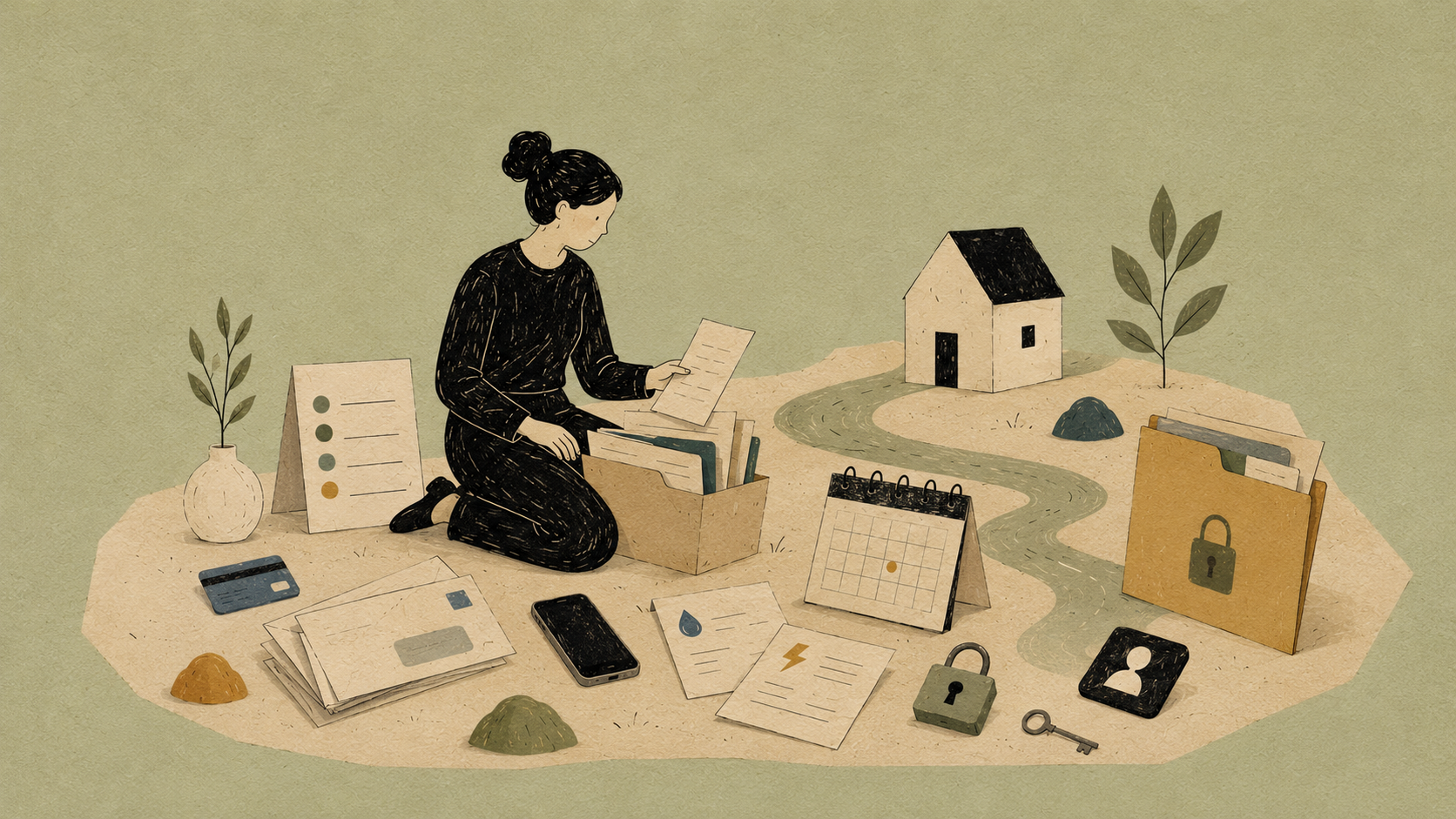
The separation admin most people forget sits in seven buckets:
- banking and credit
- utilities and rent or mortgage accounts
- insurance
- subscriptions
- digital accounts and passwords
- vehicles, tolls and registration
- mail, school and medical access
Do not do it randomly. Work through the buckets.
The quiet admin swamp
The legal stuff gets attention. The kids stuff gets attention. The money panic gets attention.
Then Netflix bills the wrong card. The shared iCloud account still has photos syncing. The electricity account is in one name. The car insurance still lists an old address. The school emails only go to one parent.
This is the swamp.
If financial accounts are the complex part, read seven things you forget about money when you separate.
The categories to work through
Build your admin checklist in Atlas Admin: accounts to close, subscriptions to split, utilities to transfer and logins to update.
Banking
- personal accounts
- joint accounts
- credit cards
- redraw and offset access
- direct debits
- child expense accounts
- loan accounts
Do not empty joint accounts without advice. Do not ignore them either.
Utilities
- electricity
- gas
- water
- internet
- mobile phones
- streaming
- app subscriptions
Create a list from bank transactions. The statement knows what your memory does not.
Insurance
Check:
- home and contents
- landlord insurance
- car insurance
- health insurance
- life insurance
- income protection
- beneficiaries where relevant
Insurance often preserves the old life longer than it should.
Digital access
Change passwords on:
- banking
- myGov
- Apple ID or Google account
- cloud storage
- password manager
- social media
- phone account
- smart home apps
- location sharing
If there is coercive control or technology-facilitated abuse, get safety advice before changing everything at once. Sudden account changes can escalate risk.
Vehicles and tolls
Check registration, toll tags, insurance, roadside assist, fuel cards and parking accounts.
School and medical
Make sure both parents who should receive information are listed correctly, unless safety or orders say otherwise.
Common mistakes
Only changing the bank password
Email is the master key. Secure that early.
Forgetting smart home access
Cameras, locks, speakers, location sharing and family accounts can all become access points.
Leaving subscriptions because they are small
Small recurring charges become expensive fog.
Making unsafe changes without advice
If monitoring, threats or coercive control are part of the situation, use specialist safety resources.
The practical next step
Open your bank statement for the last 60 days.
Highlight every shared, household or recurring payment.
That is your admin list. Not glamorous. Useful.
Sources and resources
Last checked: 20 May 2026.
This article is general information, not legal, financial or medical advice. Check the current rules before acting on anything money, court or health related. If there is family violence, coercive control, risk to children, urgent housing risk or court orders in place, get professional advice before relying on a checklist.
- https://www.esafety.gov.au/key-topics/tech-based-abuse/about-tech-based-family-domestic-sexual-violence
- https://www.esafety.gov.au/women/reduce-technology-facilitated-abuse
- https://www.legalaid.nsw.gov.au/ways-to-get-help/publications-and-resources/mortgage-problems-due-to-partner-separation
- https://www.servicesaustralia.gov.au/how-your-percentage-care-affects-your-child-support-payments?context=21911